Organised & Stress-Free: Setting Up a System for Your Projects

This post is part of our UK home education resources. If you’re looking for guidance on nuro co projects in Australia, head to our Australian resource section.
Setting up your nuro co project
nuro co projects are designed to be creative, flexible, and student-led. They give your child the chance to dive into something exciting while building real-world skills and (hopefully) having fun along the way.
But even the best projects can feel a little messy without a system. Each week brings guides, activities, and new ideas to explore. That’s why we’ve built our projects with parent mental health in mind – they’re simple to organise and easy to keep track of.
Here’s some gentle guidance on how to set up your nuro co project so it feels smooth, stress-free, and ready to go.
1. Set Up Your Folders
Each nuro co project works best with one digital folder and two slim physical folders.
In your digital folder (Google Drive, Dropbox, or your computer), save the three project files you receive:
Parent Guide (best kept digital so you can use the links easily)
Student Guide
Learning Log
In your physical folders, print the Student Guide for your learner and the Learning Log for yourself (if you’d like to use it).
2. Give Your Learner Their Own Copy
nuro co projects are designed to give learners ownership. Printing the Student Guide and giving your child their own folder or clipboard can make the project feel more tangible.
This gives them:
A clear overview of suggested activities
A sense of choice (they can decide what to tackle and when)
A place to scribble, doodle, and reflect as they go
Some neurodivergent learners enjoy having something physical to hold onto, but others may find a folder of papers feels too much like schoolwork. Be guided by your child – if it helps, use it, and if it doesn’t, skip it!
3. The Learning Log – A Simple Extra
Alongside the guides, each nuro co project includes a Learning Log. Some parents find it helpful to jot down a few notes as they go.
It’s a light-touch way to capture:
Highlights from each week
Things your child enjoyed or discovered
Books, outings, or resources you want to remember
Whether you use it regularly, occasionally, or not at all is completely up to you.
4. Build a Gentle Rhythm
Once a week, take ten minutes to:
Hand your learner their next section of the Student Guide
Glance at the Parent Guide to see what’s coming up
Check if there are any resources you’ll need for the following week, so you’re not caught out at the last minute
Add a quick note to the Learning Log if you’d like
That’s enough to keep your nuro co project flowing smoothly without adding stress.
5. Why This Works
By the end of the project, you’ll have:
A Student Guide filled with your learner’s creativity and reflections
A Parent Guide you can dip back into for resources
A Learning Log (if you’ve chosen to use it) with a few notes on the journey
Simple, flexible, and easy to manage – exactly how nuro co projects are designed to be.
Final Thoughts
Being organised with nuro co projects doesn’t mean being rigid or perfect. It just means setting up a simple system that works alongside your family’s natural rhythms.
One digital folder. Two slim binders. A few notes if you’d like them. That’s enough.
Because the real point isn’t the folders – it’s the learning, the joy, and the projects your child will remember.
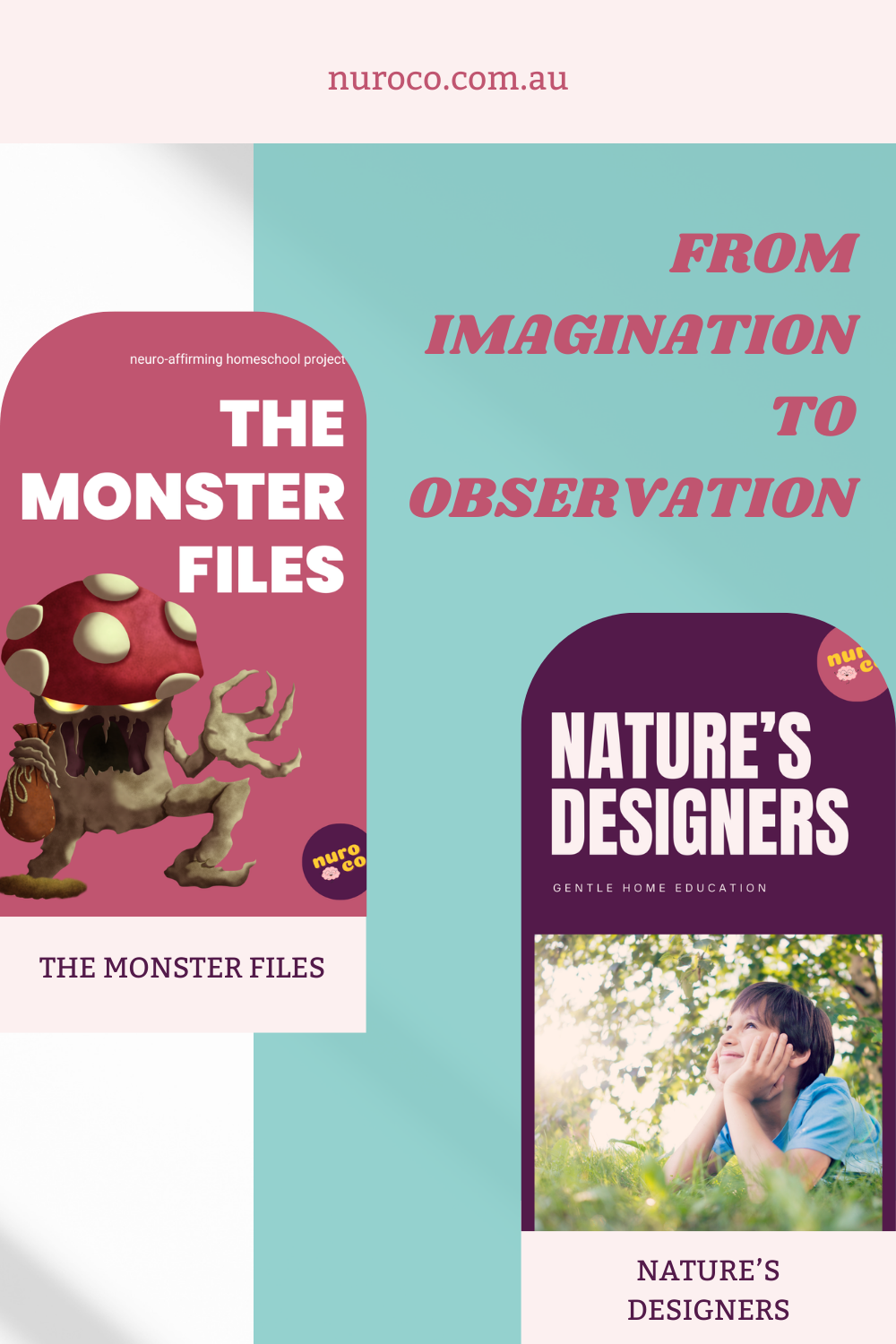
Want to try it for yourself? Download our free Zine Zone Project for UKS2 or Monster Files for LKS2, and see how simple organisation can be.