How to Use Video Games for Homeschool Learning (Gameschooling Ideas)
Games aren’t just entertainment
Video games often get treated as a distraction from learning. But for many children, especially neurodivergent learners, they’re already doing the kinds of thinking we’re trying to teach.
Planning. Problem-solving. Designing. Adapting.
This is where gameschooling comes in.
Instead of working against games, you can use them as part of your homeschool approach - turning something your child already loves into meaningful, documented learning.
Want a ready-to-use gameschooling project?
If your learner loves games, worldbuilding, character design, or strategy, our projects turn those interests into flexible, curriculum-aligned learning — without needing you to plan everything yourself.
Explore:
or grab a free project to try first.
Why video games work for homeschool learning
Video games naturally support the kinds of skills many homeschool approaches value:
Executive functioning — planning, sequencing, adapting
Design thinking — testing ideas and refining them
Creative expression — storytelling, visual design, decision-making
Confidence and agency — making choices and seeing outcomes
When these skills are carried into project work, learners begin to see themselves as creators - not just consumers.
How to start gameschooling with video games
You don’t need to redesign your whole homeschool approach to try this.
A simple way to begin is to treat it as a small experiment, not a full system.
Step 1: Start with what your learner already plays
Choose a game they’re already familiar with. You’re not introducing something new, you’re building from something that already holds their attention.
Step 2: Notice what they’re actually doing
Are they building? Planning? Designing characters? Solving problems?
This helps you spot the learning that’s already happening.
Step 3: Add one small layer
You don’t need a full lesson. Just add one gentle extension:
a quick sketch of a build
a short explanation of a decision
a “what would you change next time?” question
Step 4: Capture something small
Take a screenshot, jot a sentence, or record a quick voice note. That’s your documentation - it doesn’t need to be polished.
If it feels like a good fit, you can slowly build from there. If not, you’ve still learned something about how your learner engages, which is just as valuable.
What this can look like in practice
A learner playing Minecraft might:
design a small village
take screenshots of key builds
sketch a map of the layout
explain why certain choices were made (materials, placement, function)
That one activity can connect to geography, design, maths, and communication - without needing worksheets or formal lessons.
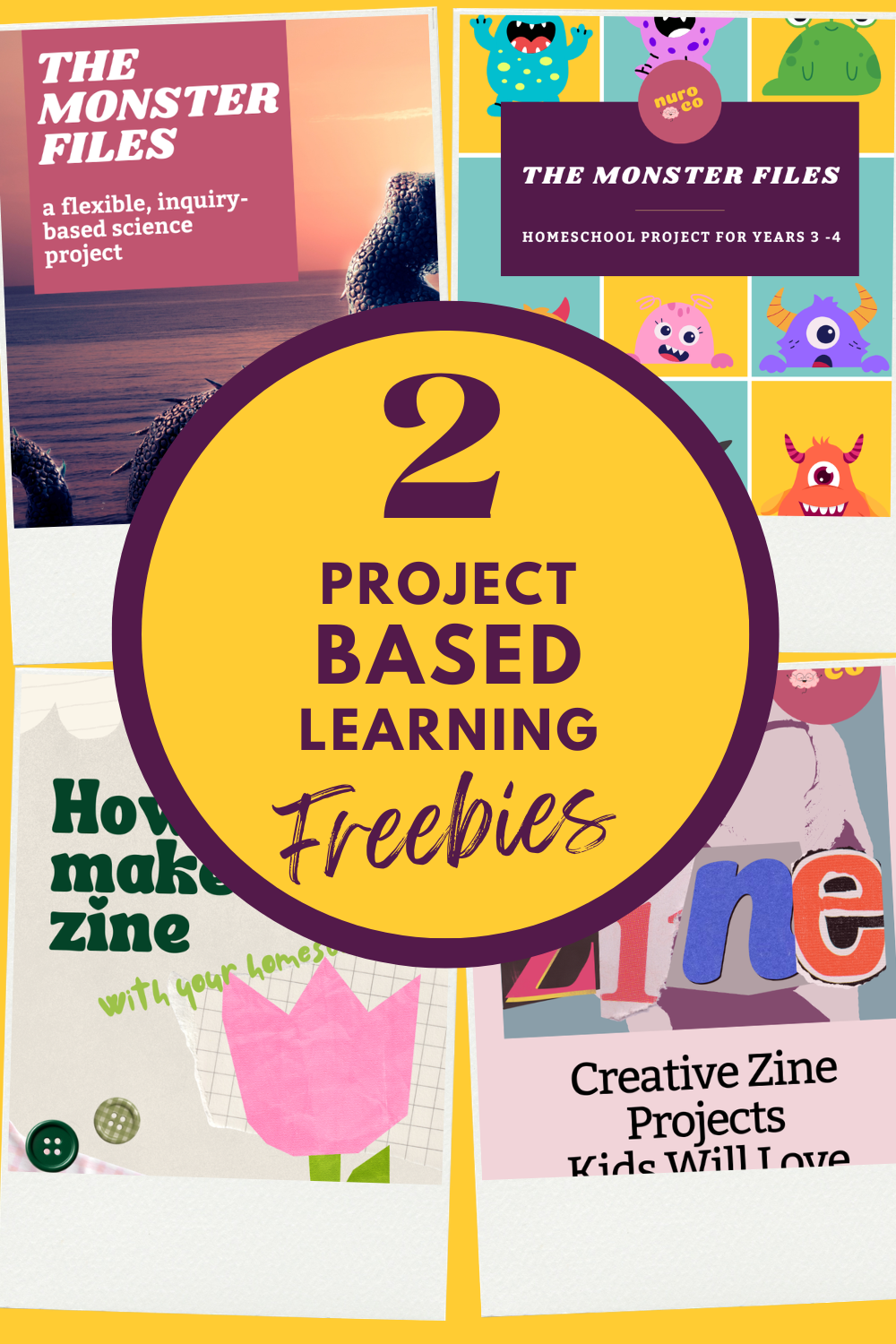
Want to try this approach without planning everything yourself?
Start with one of our free projects:
Both are flexible, low-pressure projects designed for neurodivergent learners.
Gameschooling ideas for nuro co projects
If you’re new to nuro co projects, they’re designed to take the pressure off. Each project is mapped out, with flexible activities, built-in documentation, and space for your learner to follow their interests without needing constant direction.
The ideas below show how video games can be woven into our projects. You don’t need to use every suggestion, they’re simply starting points.
| Project | Game Connection | How It Fits Learning |
|---|---|---|
| Sensory Architects | The Sims 4 | Use Build Mode to design a sensory-friendly space. Experiment with lighting, textures, and layouts before creating a real-world plan. |
| Mythos & Maps | Minecraft | Build a 3D version of a fantasy world map — complete with terrain, villages, and landmarks. Link geography, storytelling, and maths through block-based design. |
| Cosplay Quest | Roblox Avatar Editor or Dress to Impress | Design digital costumes and experiment with colour, style, and character aesthetics before creating physical pieces. |
| Planet Protectors HQ | Stardew Valley | Explore sustainability and ecosystems through digital farming — noticing how weather, waste, and time affect outcomes. |
| Game Makers | Roblox Studio or Scratch | Turn ideas from other projects (like a myth or original character) into an interactive mini-game, developing coding, design, and storytelling skills. |
Each project works on its own, but using a familiar game can make it easier for your learner to get started, test ideas, and stay engaged.
Ways to document learning
Documentation doesn’t need to be formal or time-consuming.
You might try:
a quick screenshot + one sentence
a short voice note explaining a decision
a sketch of a build or layout
a simple “before and after” comparison
a short reflection like: “What worked well here?”
Over time, these small pieces build into meaningful evidence of learning.
Does this count as real learning?
Yes - when it’s captured, this kind of learning can demonstrate:
planning and problem-solving
design and decision-making
communication and reflection
understanding of systems and cause-and-effect
The game is just the starting point. The learning comes from how your learner thinks, explains, and builds from it.
What if it just becomes more screen time?
That’s a valid concern.
The goal isn’t to increase screen time, but to add meaning to time that’s already happening.
Even a small shift, like asking a question or capturing one idea, can turn passive play into active learning.
And what if my child only ever wants to play games?
That’s often the fear underneath gameschooling.
The goal isn’t to replace all learning with games or turn every moment into a lesson.
It’s to notice where genuine thinking, creativity, and problem-solving are already happening — then gently build from there.
For many neurodivergent learners, games can become:
an entry point into writing
a way to explore systems and strategy
a low-pressure space for experimentation
a bridge back into learning confidence
Making learning meaningful
When learners get to use something they already enjoy, engagement doesn’t need to be forced.
You’re not trying to push them into something unfamiliar, you’re building from something that already works for them.
And that shift often changes everything.
Bringing it all together
You don’t need to choose between games and learning.
When used thoughtfully, they can work together to create a learning environment that feels more engaging and less of a battle.
Where to next
nuro co projects are designed to help homeschool families turn deep interests into meaningful learning — with flexible activities, built-in documentation support, and low-pressure pathways that work for neurodivergent learners.
Explore the full project range or start with a free project first.
Other posts in our gameschooling series
Pixel power - what video games teach neurodivergent kids
Level up learning - gameschooling with board games